Introducing Self Checkout At Retail Stores
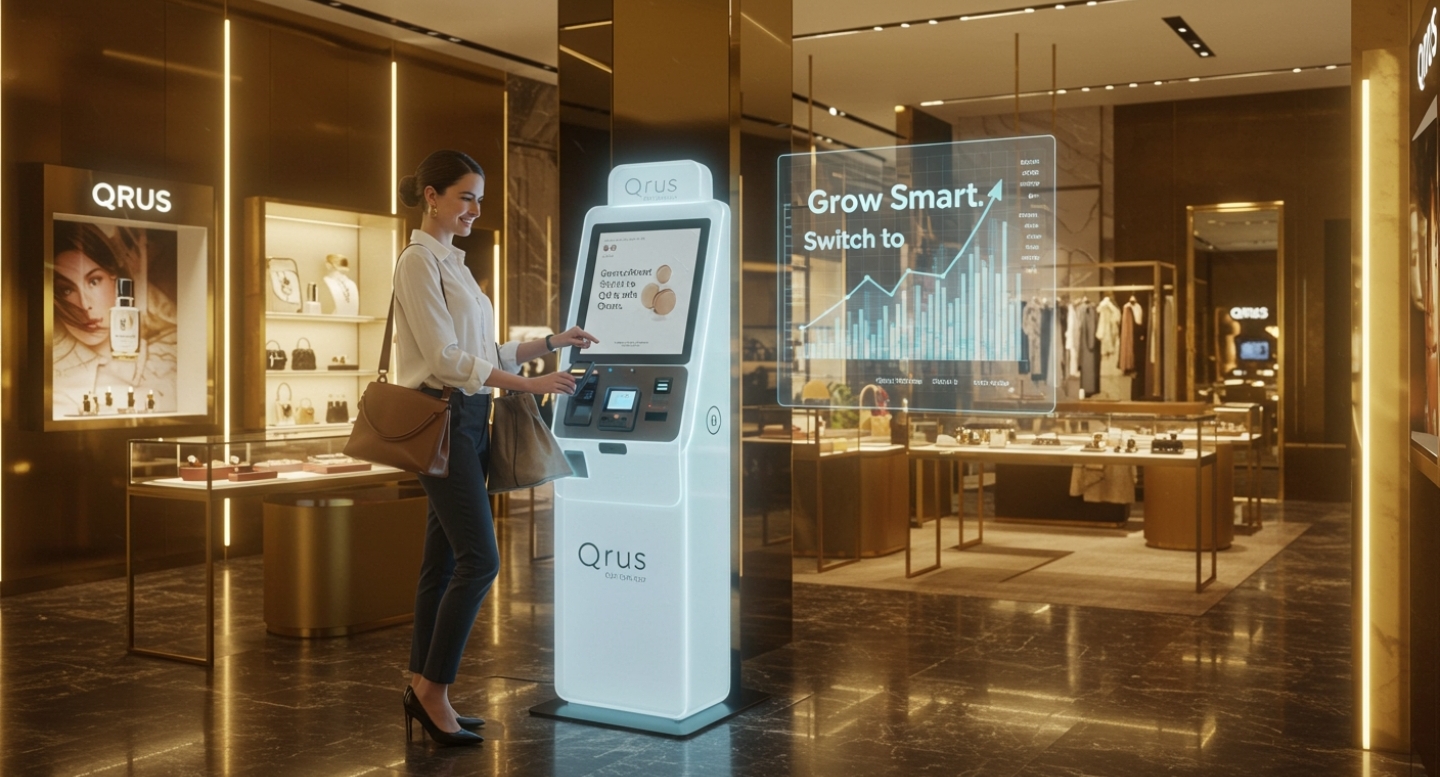
Self Checkout enables the customer scan to order and pay bill without going billing counter. grow your business smartly, Switch to Qrus make more luxurious,

Control of Your Revenue!

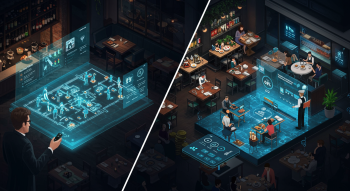
Optimize Table Reservations

Optimize Table Reservations

Maximize seating efficiency with real-time table tracking and reservations. Reduce wait times and ensure no table sits empty during peak hours, improving customer experience and turnover.

Effortless Menu Management

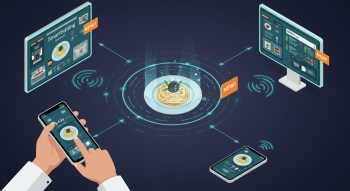
Easily add, edit, or remove items from your menu on the go. Highlight specials, update prices, and keep everything in sync across all platforms, so your staff and customers always see the latest offerings.

Effortless Menu Management
Why Choose This System?

Why Choose This System?

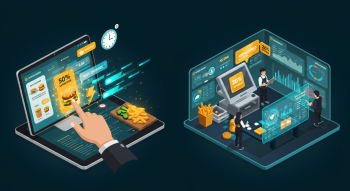
Faster Service 50% reduction in order-to-kitchen time Upsell Opportunities Ai driven recommendations increase average order value by 20% Data-Driven Decisions Analytics dashboard identifies top-selling items and peak hours.

Menu Interface

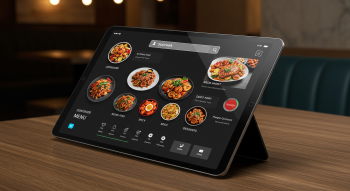
Dynamic menu with high-resolution images, dietary labels and real-time availability. Customers filter by category or search instantly

Menu Interface
Customizable Orders

Customizable Orders

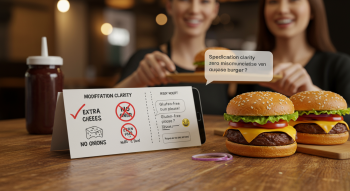
Modify items (e.g. extra cheese,no onions) and add special requests. Personalized meals without miscommunication

Cart Management

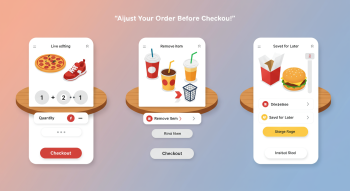
Edit quantities, remove items, or save orders for later Flexible order adjustments before checkout

Cart Management
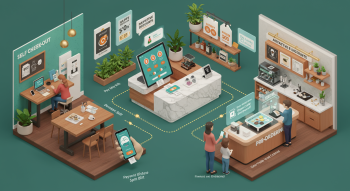
Integrated Physical Solutions to the end customers.

Integrated Physical Solutions to the end customers.

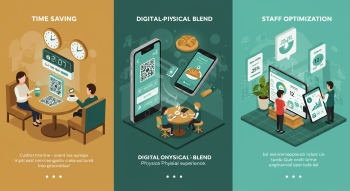
Saves Customer’s time by Qrus. Offers unmatched blend of Digital convenience while being Physically present in store. Ensures optimal utilization of sales and staff.

How it's Works!!

.

How it's Works!!

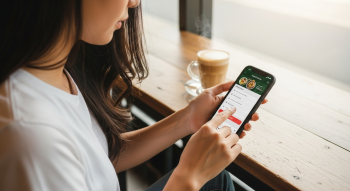
1. Customer Accesses the Menu Customers can view the digital menu using:
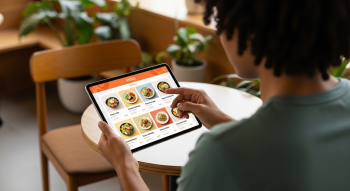
• A QR code on the table or wall • A tablet/kiosk provided by the restaurant • A mobile app or website link

1. Customer Accesses the Menu Customers can view the digital menu using:

2. Browsing and Selecting Items

2. Browsing and Selecting Items

Customers browse the digital menu (which often includes photos, prices, descriptions, and customization options like “no onion,” “extra cheese,” etc.) • They add items to a cart just like shopping online

3. Placing the Order

Once ready, the customer confirms the order and sends it directly to the kitchen display system (KDS) or POS (point of sale) system • In many setups, the order is also visible to the cashier or waiter app

3. Placing the Order
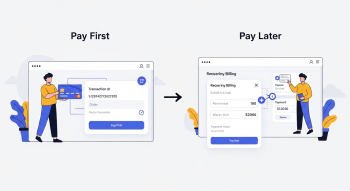
4. Payment There are two types of flows:

4. Payment There are two types of flows:

Pay First: The customer pays online (UPI, card, wallet, etc.) at the time of order • Pay Later: The order is placed, and the customer pays after dining We can also add convenience charges here if you’re running a digital waiter or tech-based model.

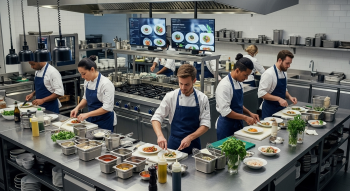
5. Kitchen Prepares the Food:

The kitchen starts preparing the food automatically as per the digital order • Less human error, faster service

5. Kitchen Prepares the Food:
6. Serving or Pickup:

6. Serving or Pickup:

A waiter brings the food to the table or • The customer gets notified to pick up from the counter (common in self-service models)

7. Optional Features:

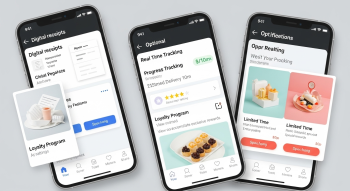
Digital receipts • Order tracking • Ratings & feedback • Loyalty points • Promotions/offers popup

7. Optional Features:
8. Benefits for Restaurant Owners:

8. Benefits for Restaurant Owners:

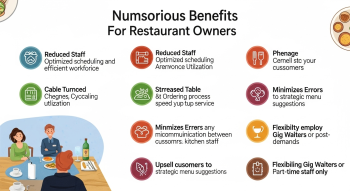
Reduces staff cost • Increases table turnover • Accurate orders, no miscommunication • Upselling with smart menu suggestions • Can run with gig waiters or part-time staff only

Powerful Features Built to Elevate Your Restaurant Operations

QR Code Menu

Scan to orders, contactless ordering made easy

Payment Gateway Integration

Fast, Secure, and Flexible Payments using Razorpay

Save Staff Expanse

Save labor costs by 50% and order errors by 90%.

Kitchen Order Tickets (KOT)

Efficient Kitchen Workflow.

Self Ordering System

Replaces traditional paper menus and waiter interactions with a seamless digital journey. Customers use in-house tablets, scan personal devices, or kiosks!

Physically Present

Serve meals and beverages promptly. Handle customer inquiries and complaints professionally. Process payments and provide excellent customer service.

Customer Retention

Better customer retention by upto 80%

Higher Cart Size

Increase cart size by upto 25%

Higher Sales

Increased daily sales by upto 10%

Higher Footfall

Increased peak hours footfall by upto 25%

Reports

Data-Driven Decisions

What Restaurant Owners Are Saying

"" It has completely transformed my business. Managing orders, tables, and staff all from one platform has reduced our workload and made everything run more smoothly." Thanks QRus"

Gopal Sing

Owner of Riverbend Bistro

"" The QR Code menu and payment integration have made a huge difference for us, especially after the pandemic. Customers love the ease, and we’ve seen faster table turnover." my recommend every restaurant owner use it, i'm save 50% staff salary"

Emily Roy

Manager at Lakeside Grill

"" We are able to track every order in real time, keep our menu updated, and quickly manage payments. It is like having an extra set of hands in the restaurant.""

Raj Kargil

Owner of Downtown Eats

2,00,000+ Order served in last 3 month.

.

Starter Spark IND

₹999.00 Pay Monthly

₹9,999.00 Pay Annually

Get Started
Menu
Menu Item
Item Category
Area
Table
Reservation
KOT
Order
Customer
Staff
Payment
Report
Settings
Delivery Executive
Waiter Request
Expenses
Change Branch
Export Report
Table Reservation
Payment Gateway Integration
Theme Setting
Customer Display

Elite Access IND

₹4,999.00 Pay Monthly

₹49,999.00 Pay Annually

Get Started
Menu
Menu Item
Item Category
Area
Table
Reservation
KOT
Order
Customer
Staff
Payment
Report
Settings
Delivery Executive
Waiter Request
Expenses
Change Branch
Export Report
Table Reservation
Payment Gateway Integration
Theme Setting
Customer Display

Premium Pluse IND

₹1,999.00 Pay Monthly

₹19,999.00 Pay Annually

Get Started
Menu
Menu Item
Item Category
Area
Table
Reservation
KOT
Order
Customer
Staff
Payment
Report
Settings
Delivery Executive
Waiter Request
Expenses
Change Branch
Export Report
Table Reservation
Payment Gateway Integration
Theme Setting
Customer Display

Your questions, answered

Answers to the most frequently asked questions.

How to get qRus jobs?

qRus is a gig working platform everyone join it, contact : hello@qrus.in

How to register Restaurants?

Contact us on Whatsapp +918609866790

Contact

Contact Image

Our address

qRus

B.N 39 Ashoknagar, Kolkata, West Bengal, 743222

Our Email

hello@qrus.in